Less typing. More getting things done.
Turn stacks of
paper forms
into Excel.
Photograph handwritten or printed forms. Formhop extracts the answers, flags uncertain readings, and lets you review before exporting.
Explore the sample without an account.
Set up once on a computer. Capture and review on your phone.
Research study form
Demographics
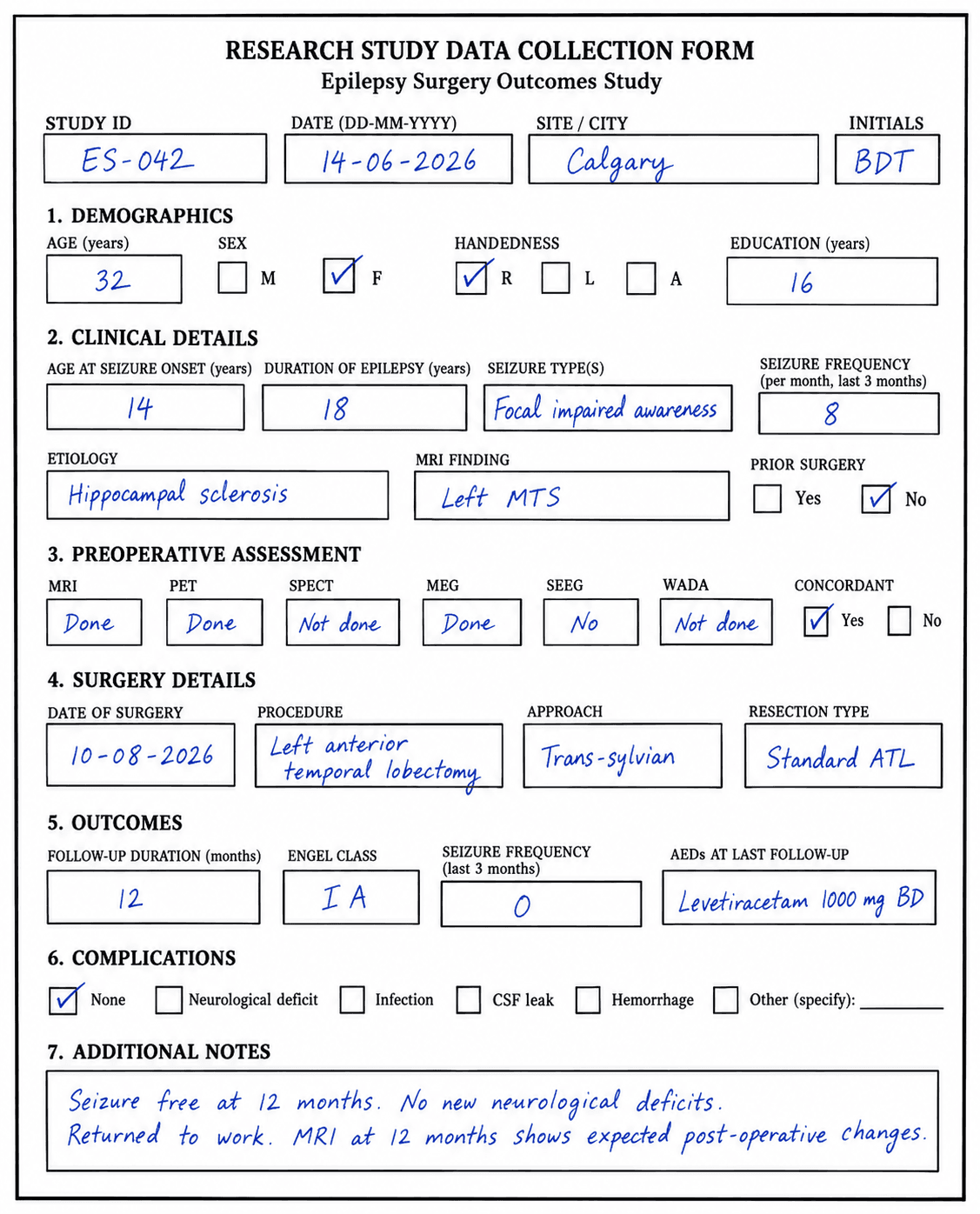
Close-up excerpts · original handwriting · fictional data
A small example. The whole idea.
See your paper become a spreadsheet.
Try a prepared example, check one answer, then download the result. No account needed.
- 01Paper
- 02Review
- 03Excel
Research study form
Demographics
Close-up excerpts · original handwriting · fictional data
Start with the paper you already have.
In Formhop, you photograph or upload your completed form. For this walkthrough, we've prepared the paper and its extracted answers.
Next, see how you check an uncertain reading against the original.
Interactive illustration using fictional data. This sample does not run an AI reading or save any records.
Your paper. A simpler process.
Set up once. Keep collecting.
- 01
Set up once on a computer
Upload a blank form photo or PDF to draft your fields. Check the setup, then reuse it for every copy.
- 02
Capture wherever you work
Photograph completed forms on your phone or iPad. On a computer, upload one photo or a batch.
- 03
Check, export, keep going
Review answers beside the original, correct anything that needs attention, then export your records to Excel.
See Formhop in action
From the first photo to the final spreadsheet.
Watch how you set up a form, capture on your phone, and check the answers before moving to the next entry.
- Data stored in your region: United States, Canada or India
- Agreements for Alberta's Health Information Act, PIPEDA and India's DPDP Act
- AI reading under a HIPAA business associate agreement
- Encrypted, every access logged, daily backups
- Two-step sign-in and automatic sign-out
A few things you might be wondering.
Does it work with handwriting?
Yes. Formhop reads handwritten and printed forms. Clear, well-lit photos help. AI can make mistakes, so review the answers against your original before using the data.
Do I need a computer?
Use a computer to create or draft your own form. After that, capture and review entries on a phone, iPad or computer. New workspaces include a sample form you can try on your phone right away.
What if an answer is unclear?
Uncertain readings are flagged for your attention. You can compare every answer with the source photo and correct it before saving. A confidence flag is a guide, not a guarantee of accuracy.
Can a form have several pages?
Yes. Draft your form from a PDF or up to 10 photos of its blank pages on a computer. When collecting entries, add photos of the whole form, part of it, or individual sections to the same entry.
What can I export?
Download your records as an Excel spreadsheet (.xlsx) or CSV, with a column for each field. Original-photo and media links are included where applicable and open for signed-in workspace members.
How do usage limits work?
Your workspace plan sets limits for photo readings, team members and storage. You can see your plan and usage on the Team page after signing in.
Ready for your own forms?
Your next stack of paper
could be a spreadsheet.
Your workspace comes with a sample form you can try on your phone right away. Draft your own form from a blank photo or PDF on a computer.
Take another look at the sampleSign in
New to Formhop? Continue with Google or create an account with your email. You'll set up your own workspace in a minute.
Joining a team? Use the email address your workspace invited.